Password protect an entire collection on Shopify
Lock a whole collection behind a password, for wholesale ranges, VIP drops or a pre-launch line, while the rest of your store stays open. This tutorial uses Locker: switch on its theme embed, create a password, pick the collection, and see what shoppers get.
Install Locker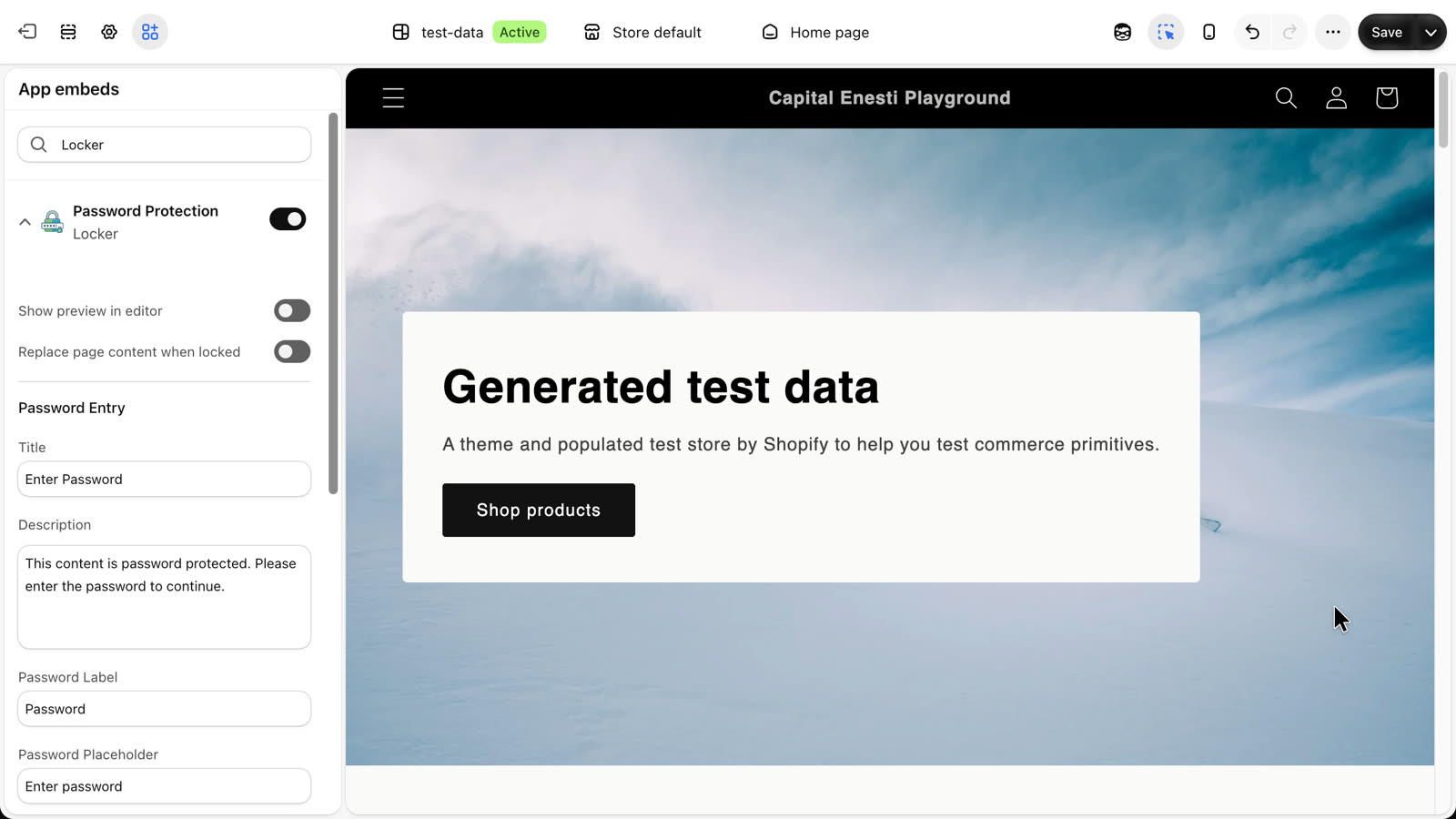
- 1
Open the app embed
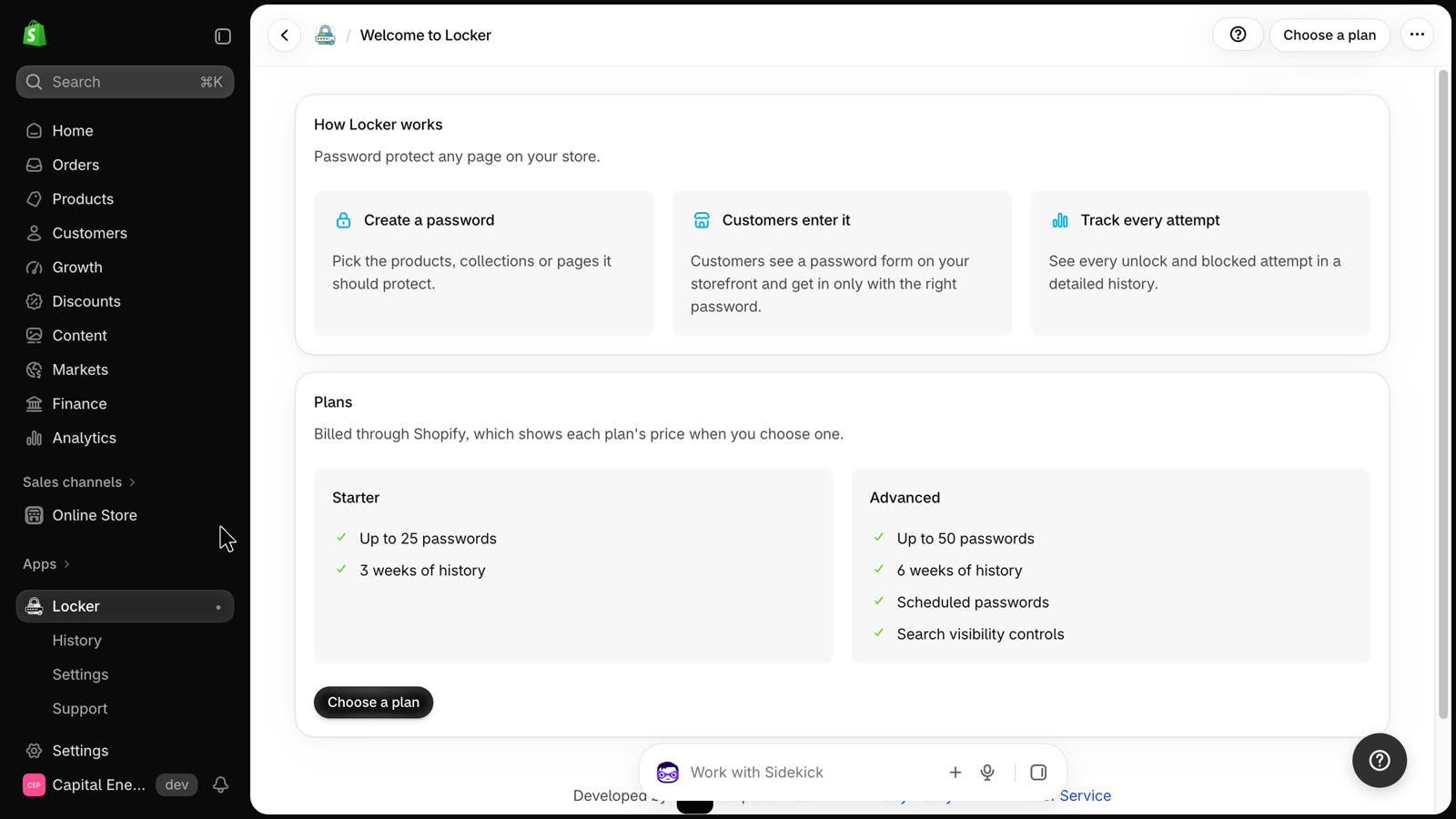
Locker shows its password form through a theme app embed, so nothing is pasted into your theme code. On Locker's home page, the setup guide starts with it: click Enable next to Enable app embed in theme.
- 2
Save the theme
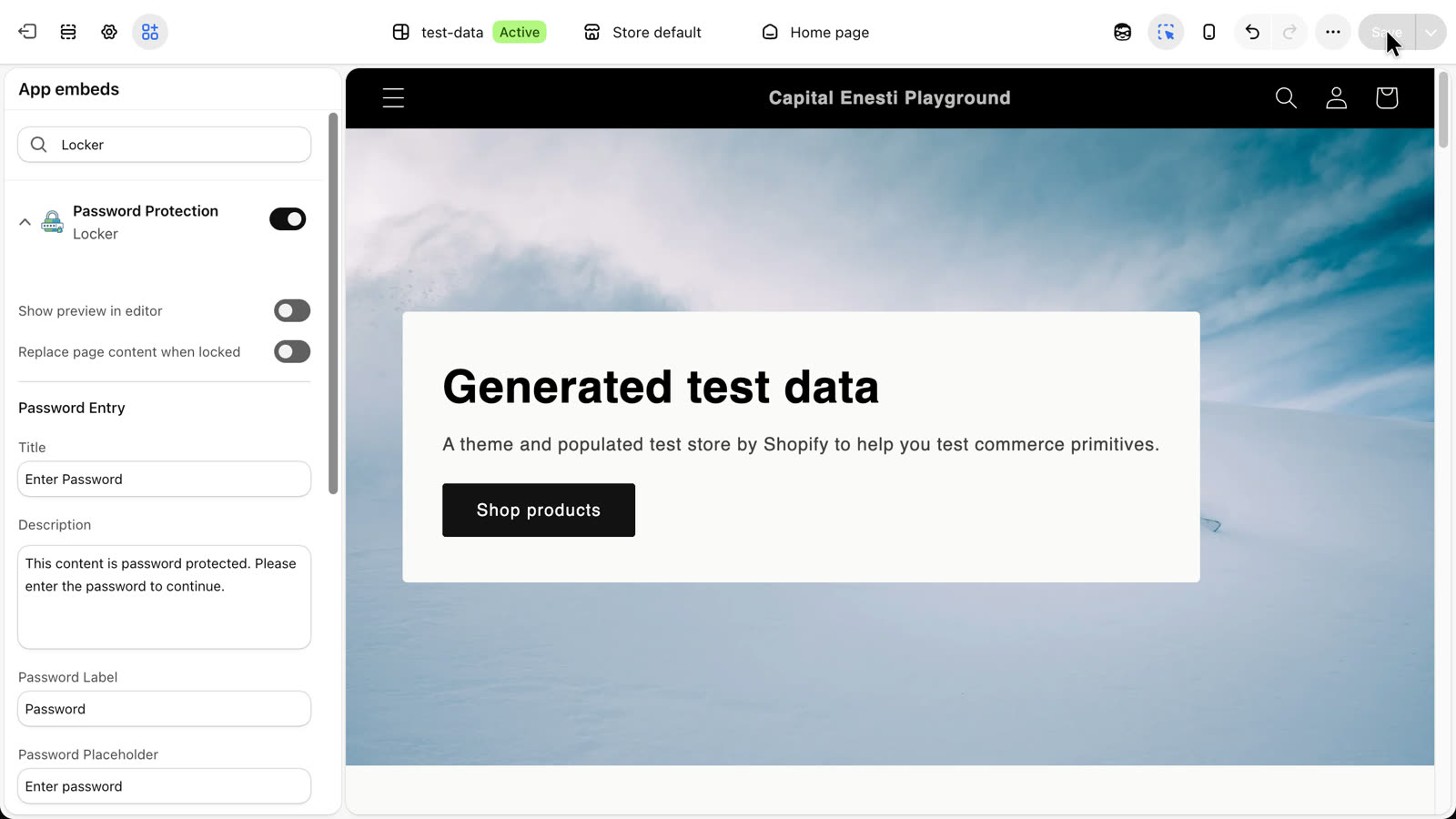
Shopify opens your theme editor on App embeds, with Locker's Password Protection embed already switched on. Click Save in the top right corner. The same panel lets you change the texts and colors of the password form later.
- 3
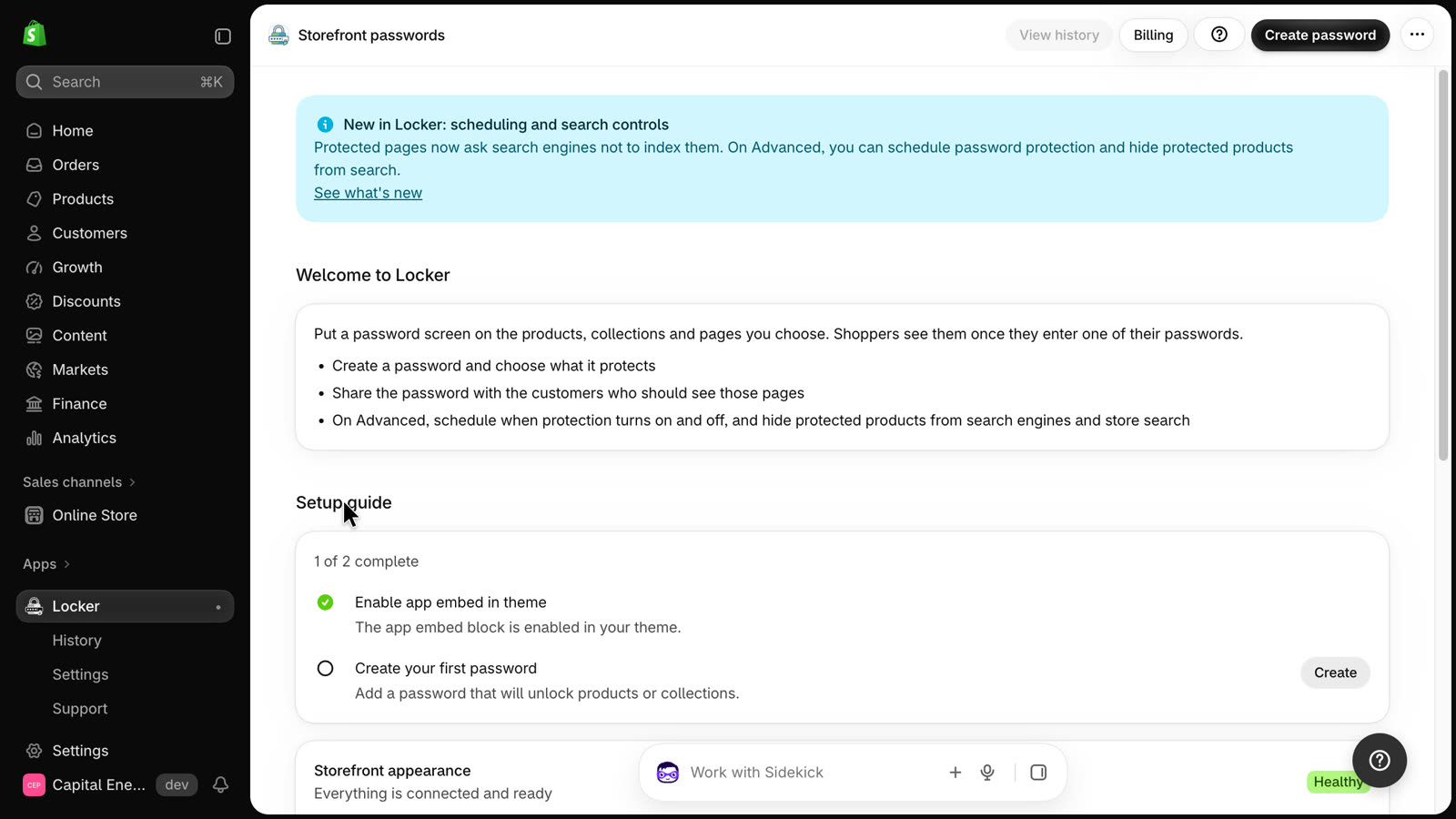
Check the setup guide
Go back to Locker. The setup guide now shows the app embed as done, and the Storefront appearance card reads Enabled.
- 4
Create a password
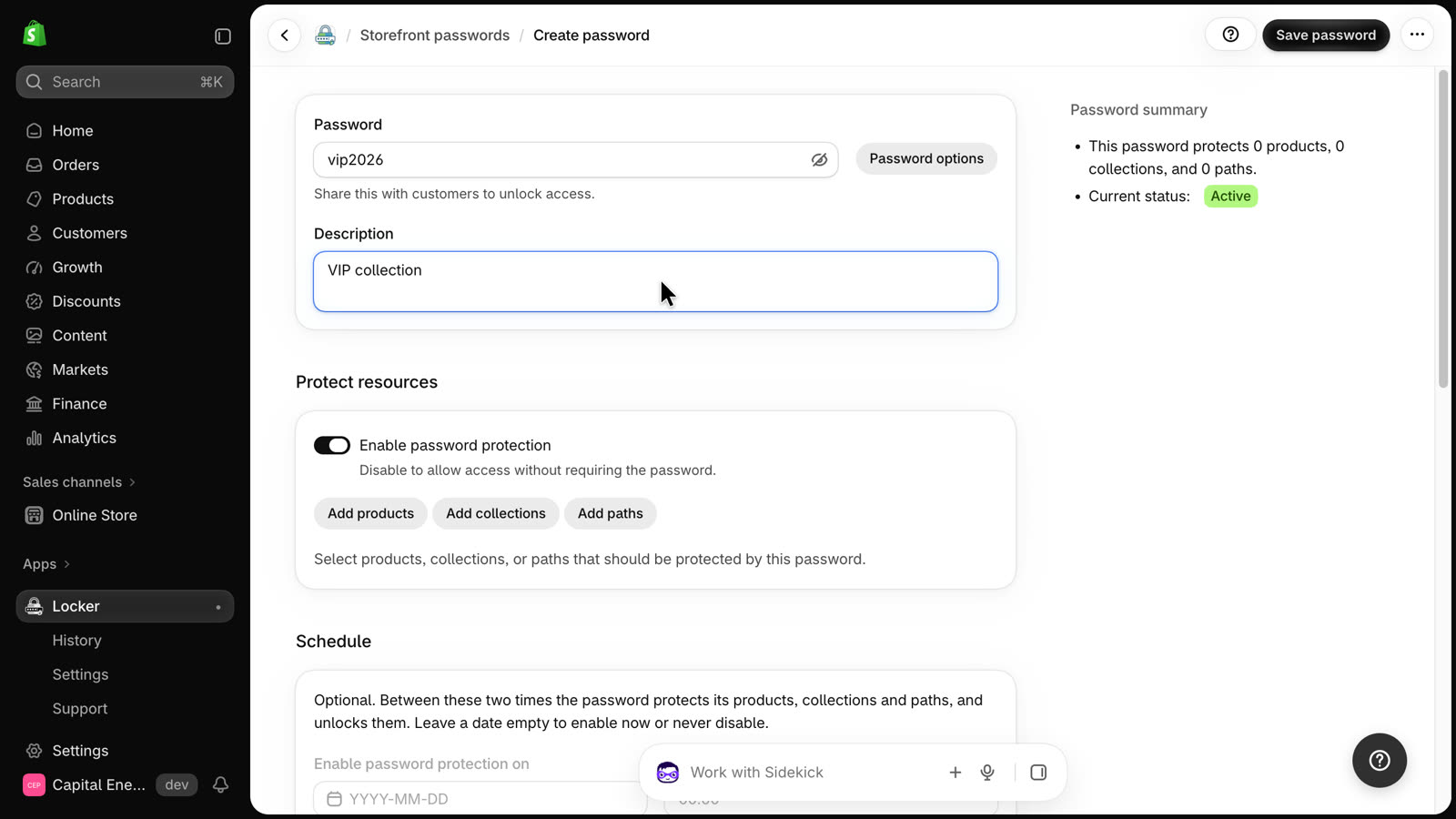
In Locker, click Create password. Type the password your customers will use to get in. The description is a note for you; customers never see it.
- 5
Pick the collection to protect
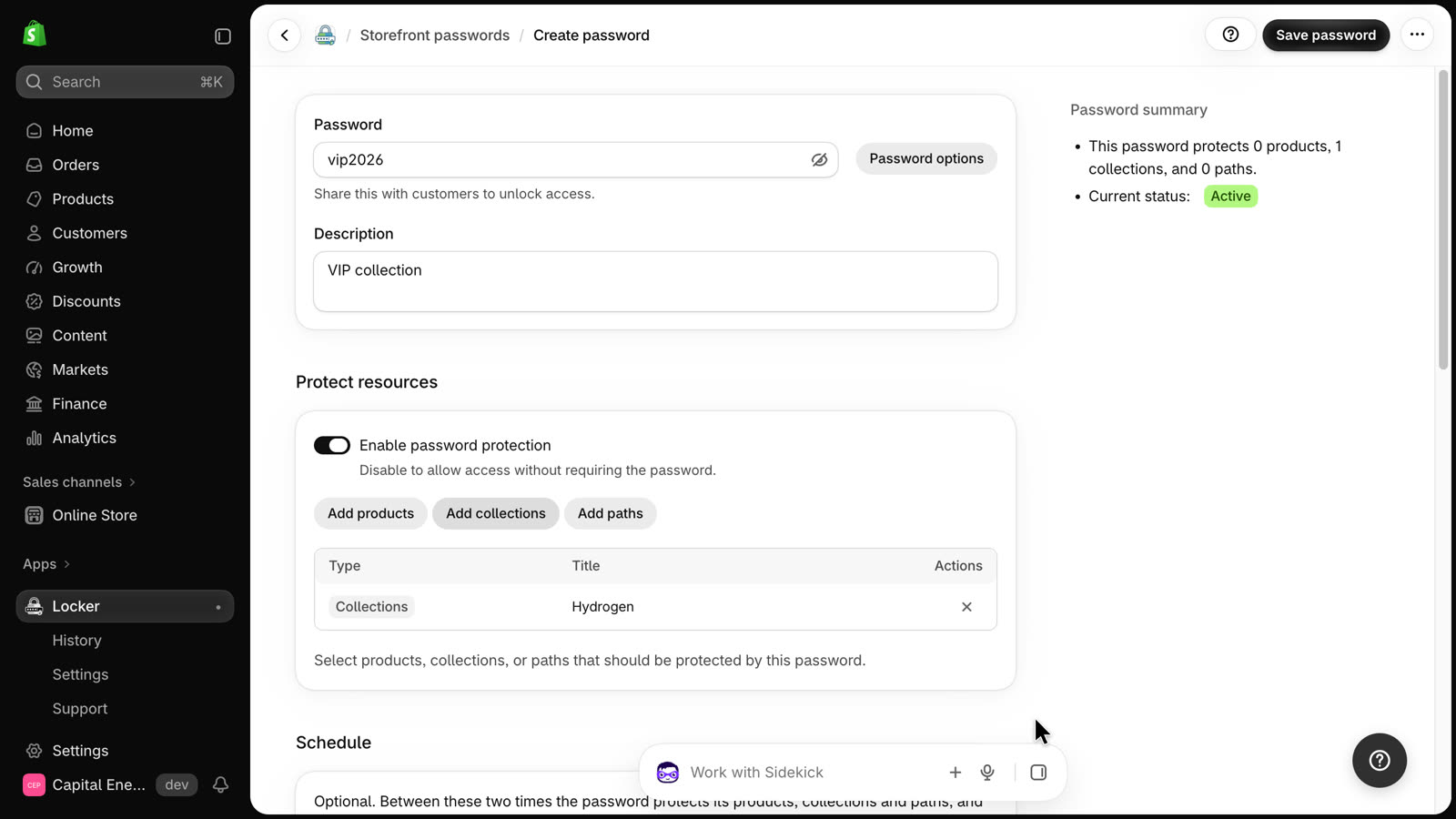
Under Protect resources, click Add collections, select the collection you want to lock and click Add. One password can protect several collections, and products and paths as well.
- 6
Save the password
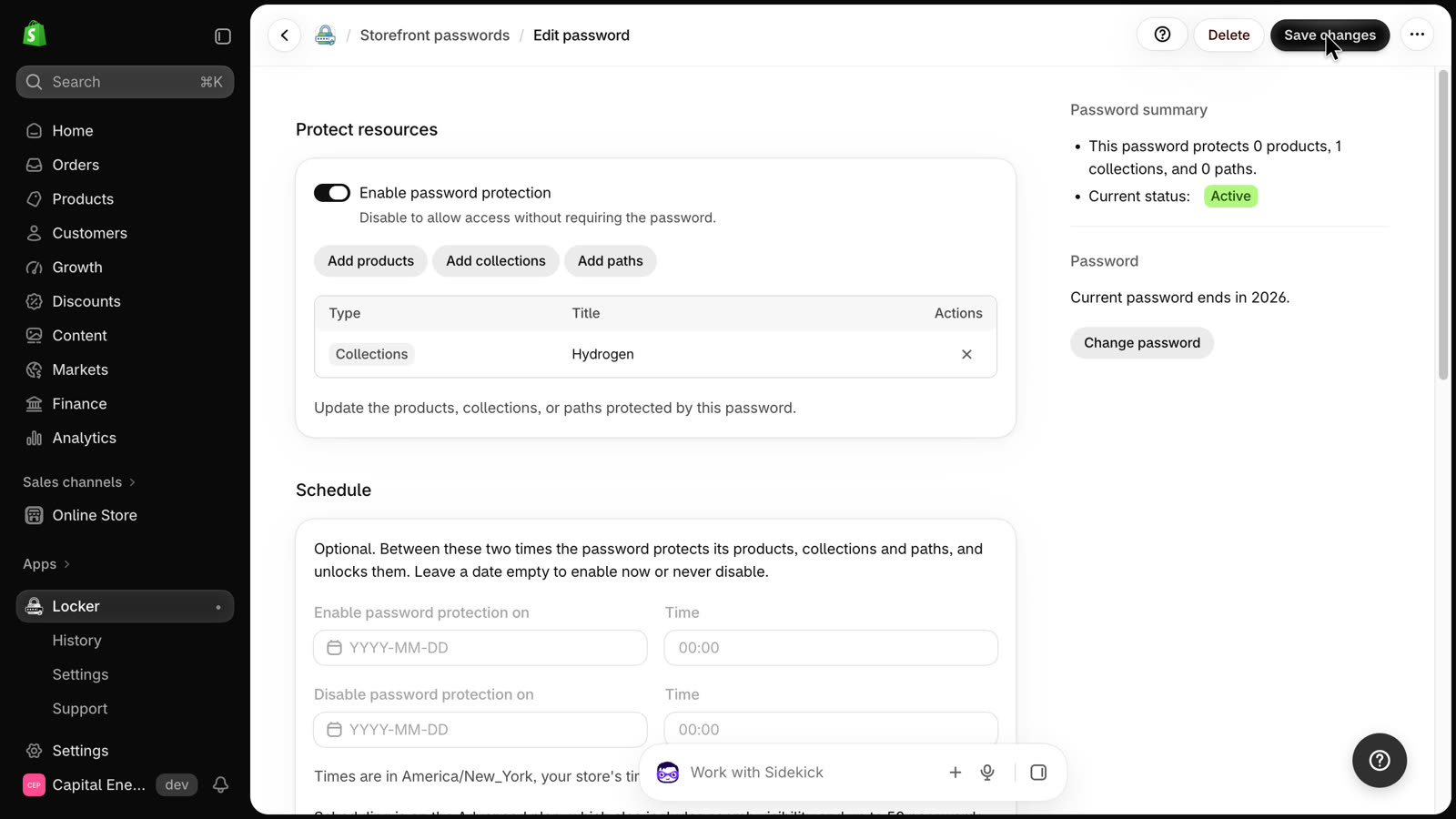
Click Save password in the top right corner. The whole collection is now locked on your storefront.
- 7
What shoppers see
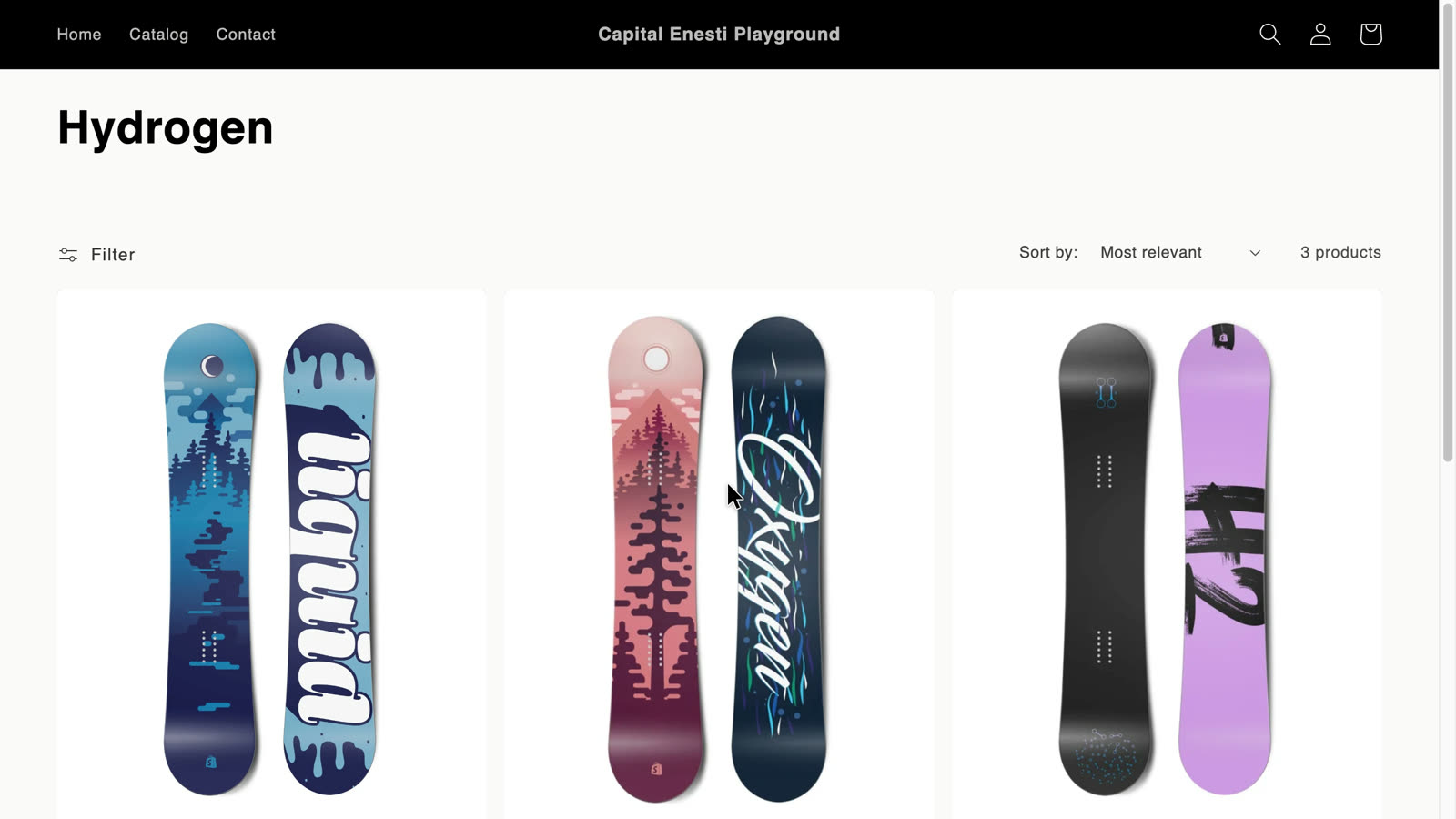
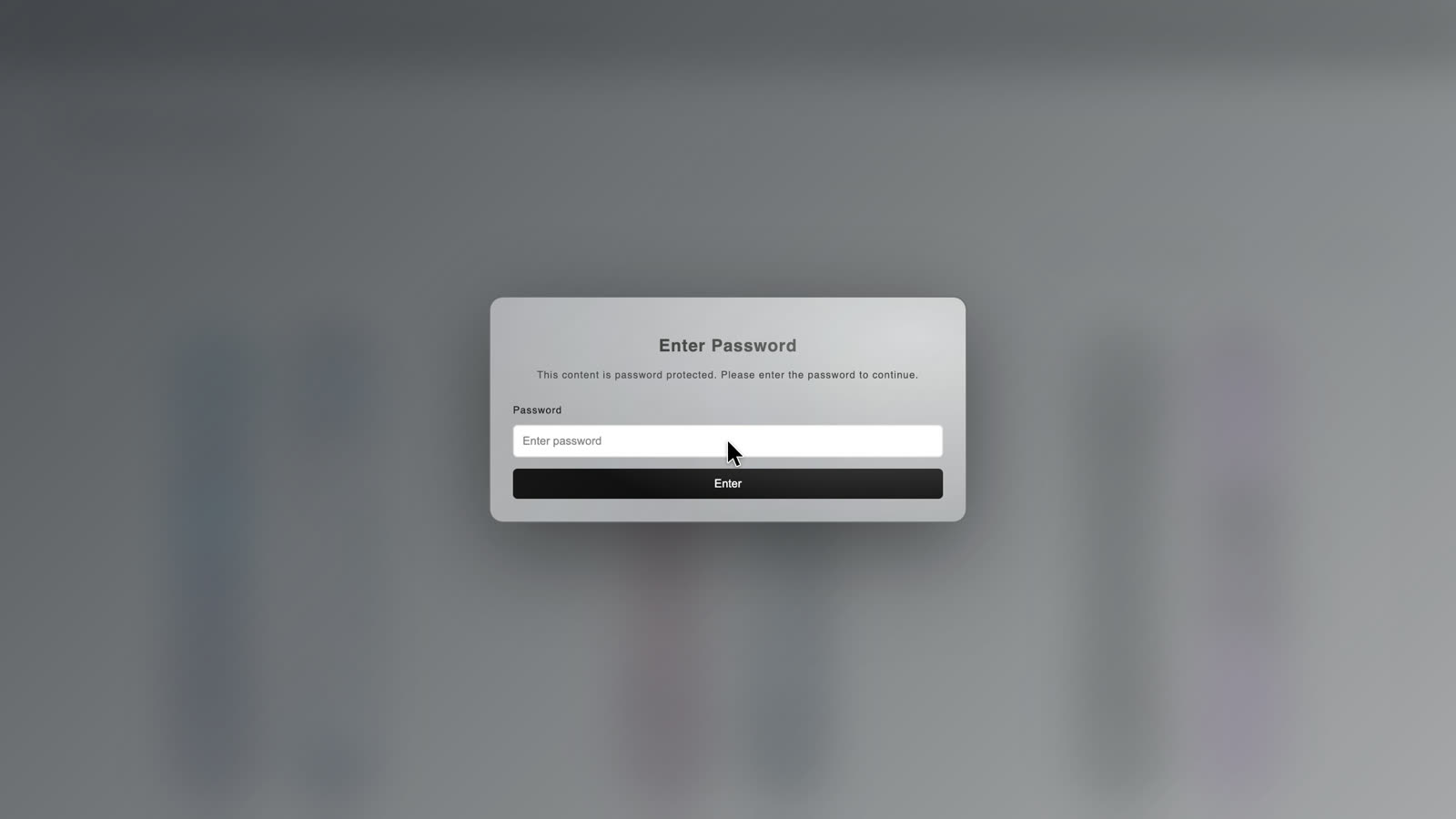
On your storefront, open the protected collection. Instead of the products, shoppers get a password form. Your other collections stay open.
- 8
The password opens the collection
With the right password the form disappears and the collection opens. Shoppers who have the password can browse and buy as usual.