Tutorials
Short guides, one screen at a time.
Step-by-step walkthroughs for our products, with a screenshot for every step.
Locker
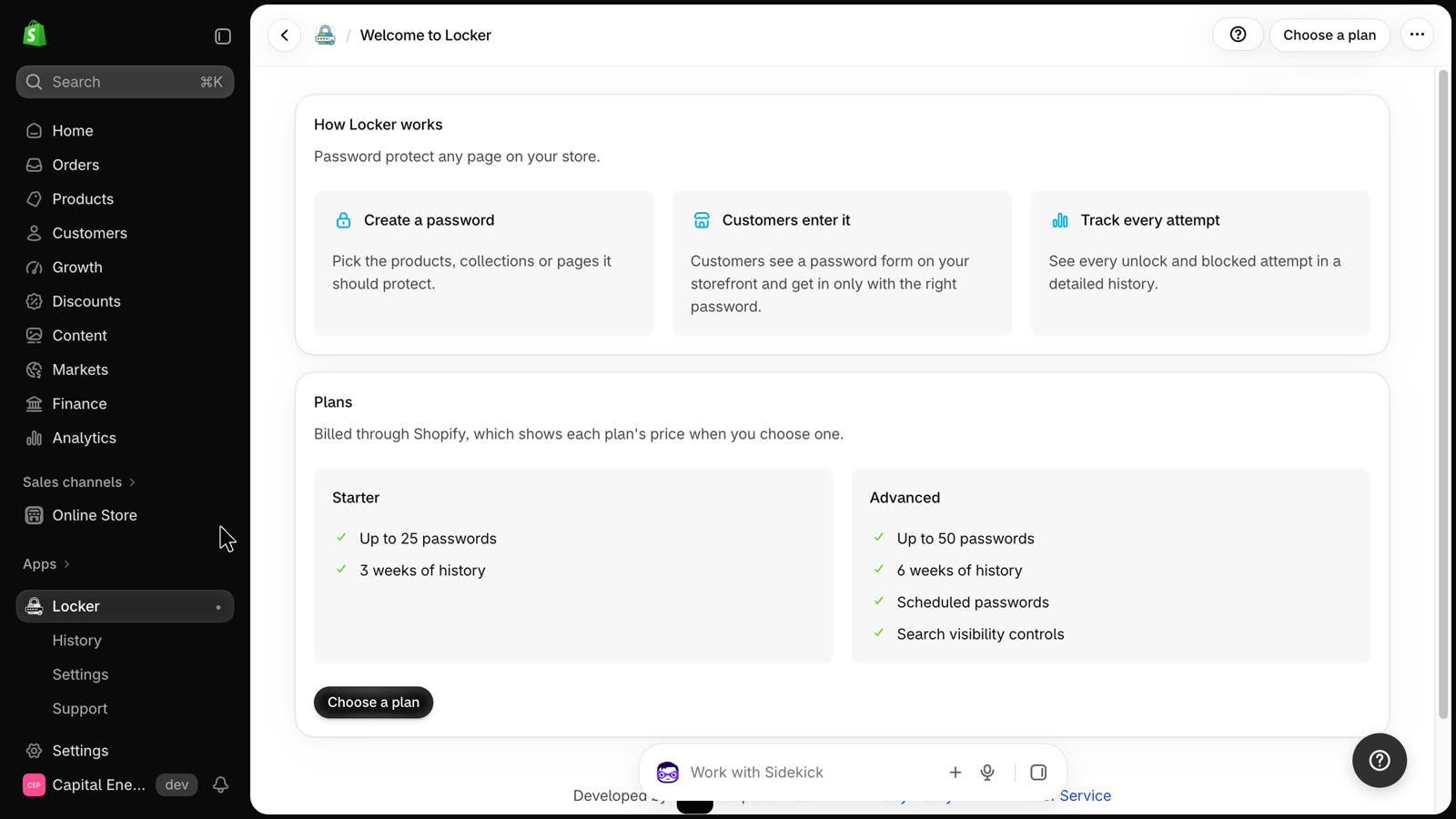
Password protect only some products on Shopify
Shopify's built-in password locks your whole store. This tutorial shows how to put a password on only the products you choose with Locker: install the app, switch on its theme embed, create a password, pick the products, and see what shoppers get on the storefront.
Read the tutorial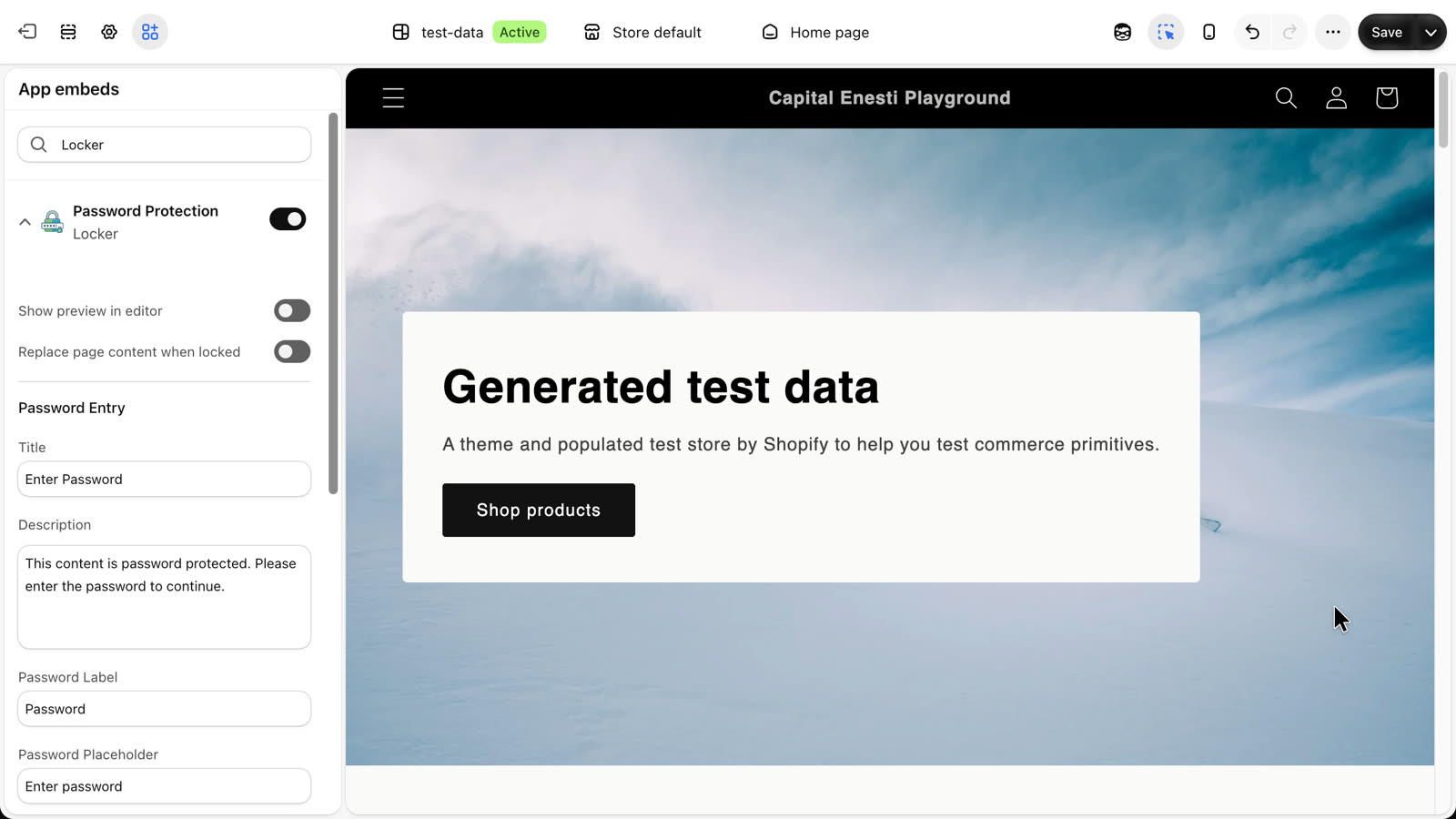
Password protect an entire collection on Shopify
Lock a whole collection behind a password, for wholesale ranges, VIP drops or a pre-launch line, while the rest of your store stays open. This tutorial uses Locker: switch on its theme embed, create a password, pick the collection, and see what shoppers get.
Read the tutorialPassword protect a page on Shopify
Put a password on a single page of your Shopify store, such as a members page, a price list or a lookbook, without locking the whole store. This tutorial uses Locker: switch on its theme embed, create a password, add the page's path, and see what shoppers get.
Read the tutorial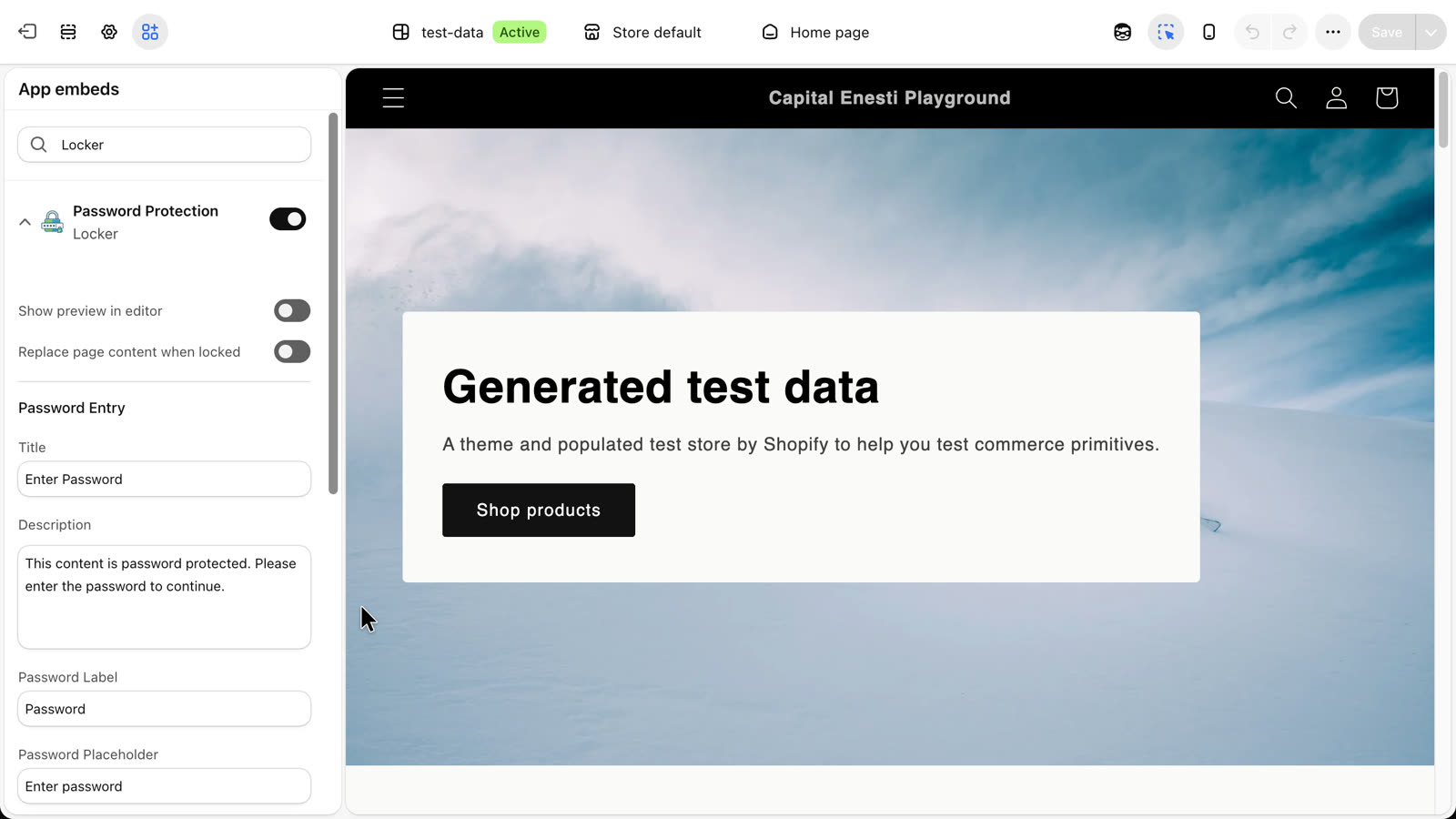
Turn Locker's password protection on or off
Locker's password form runs through a theme app embed, and that embed is the master switch. This tutorial shows how to switch all protection off without losing your passwords, and how to switch it back on.
Read the tutorial